YouTube Shorts vs. TikTok: How to Edit for Each Platform
Short-form video is dominating the social media landscape—and if you're creating content in 2025, mastering YouTube Shorts and TikTok is no longer optional. But while both platforms offer vertical, bite-sized video formats, they behave very differently when it comes to audience behavior, algorithm preferences, and editing best practices.
As a YouTube Shorts editor or someone looking for TikTok video editing tips, understanding these subtle but crucial differences can mean the difference between going viral and going unnoticed.
Let’s break down how to approach editing for each platform!
1. Platform Purpose and Audience
TikTok started as an entertainment-first platform—fast, expressive, and ultra-personal. It thrives on trends, authenticity, and micro-stories. TikTok viewers scroll fast and expect something attention-grabbing within the first second.
YouTube Shorts, on the other hand, is an extension of YouTube’s long-form ecosystem. Many creators use Shorts to funnel viewers into their full-length videos. The audience here is slightly more patient and often seeking value or context over hype.
👉 Takeaway: TikTok is where you surprise; Shorts is where you teach or intrigue.
2. Ideal Duration and Retention Goals
While both platforms technically allow videos up to 60 seconds, TikTok's sweet spot remains around 10–25 seconds for most trends and punchy content. TikTok heavily rewards completion rate, so tighter pacing often wins.
YouTube Shorts performs well with slightly longer content—20–45 seconds—especially for storytelling, tips, or skits. The platform gives more room to breathe, especially when leading into long-form content.
👉 Pro Tip: Use a fast hook for TikTok and a strong narrative arc for Shorts.
3. Hook Strategies That Work
TikTok hooks should be shockingly fast. You have less than 1 second to convince someone not to scroll. Use on-screen text, movement, or a pattern interrupt (a surprising visual or sound) to break attention.
Examples:
“You’re editing your Reels all wrong—watch this.”
“This one tip got me 1M views overnight…”
YouTube Shorts still needs a hook, but it can be more deliberate. You have about 2–3 seconds to set up context, build curiosity, or preview the payoff.
Examples:
“This is how pro creators hook you in 3 seconds…”
“Watch how this one change boosted my audio instantly.”
4. Editing Style and Tools
For Tiktok:
Fast jump cuts
Trend audio integration
Emojis and native captions
Often filmed and edited within the app itself
For YouTube Shorts:
Smoother transitions
Slightly more polished cuts
Text styles that align with YouTube thumbnails or channel branding
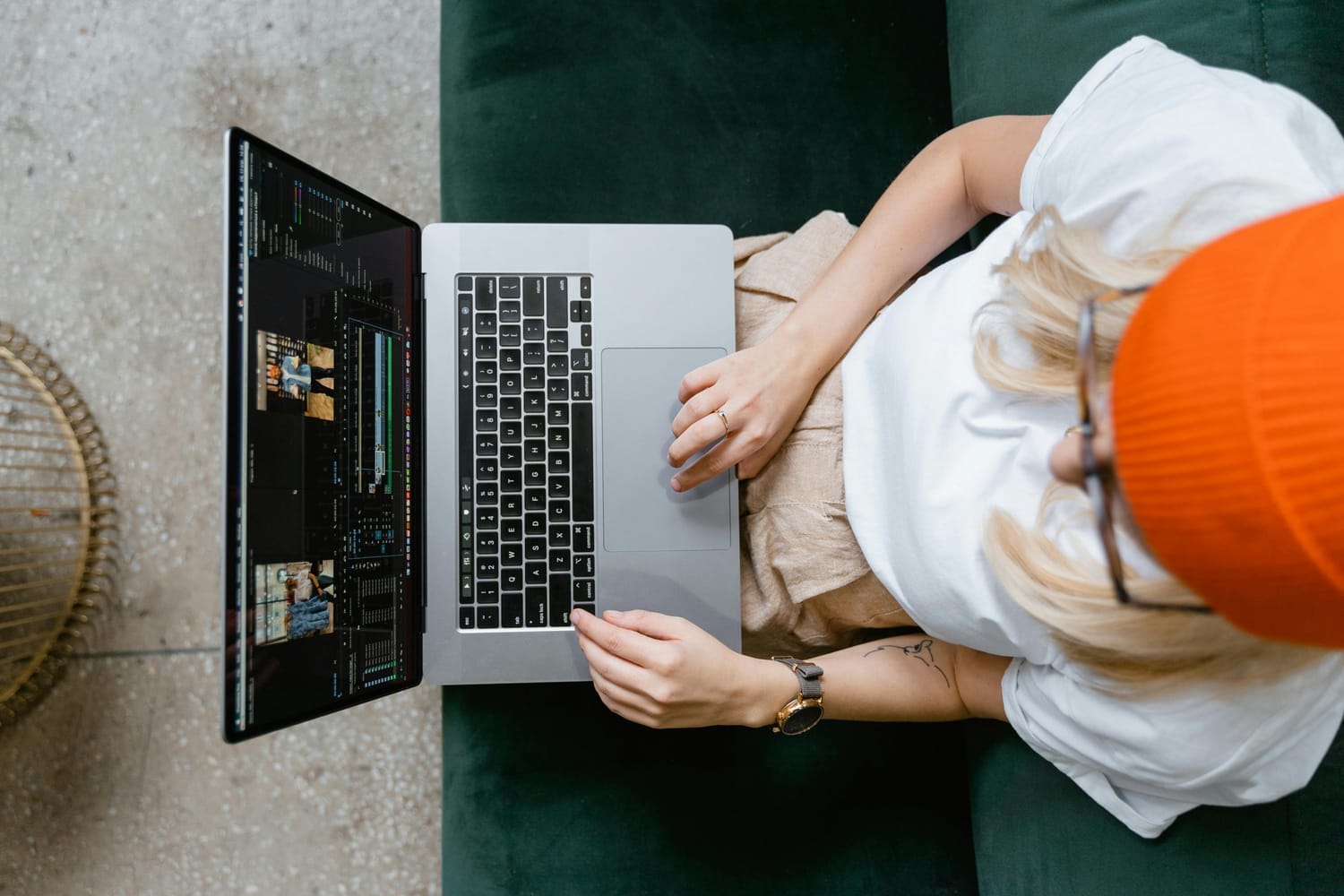
Often edited with tools like CapCut, Premiere Pro, or Final Cut Pro
As a YouTube Shorts editor, consistency in branding and pacing can create a binge-worthy feed that supports your long-form channel.
👉 Use tools like CapCut or Canva for quick edits, but don’t hesitate to step up your game with Premiere Pro or After Effects when editing for Shorts with higher production value.
5. Music and Captioning Differences
TikTok’s music trends define the platform. Using trending audio can boost your discoverability dramatically. Captions here are usually native (typed directly in-app), fast, and often exaggerated.
YouTube Shorts has a growing music library, but viewers still favor original audio or voice-over. Captions are important for accessibility, but they should look more professional—ideally matching your YouTube brand font and color scheme.
👉 Always burn in subtitles for Shorts to improve retention and keep your audience hooked.
Final Thoughts: Edit for Intent
Each platform has its own rhythm, and as a creator or video editor, your job is to edit for the viewer’s behavior, not just the format.
If you’re editing for a brand or influencer, ask:
Is this video meant to entertain, educate, or convert?
Will it live on TikTok, Shorts, or both?
Does it align with the platform’s unique flow?
By adapting your edits—especially hooks, pacing, and visuals—you’ll not only capture attention, but convert views into follows and clicks.
Ready to Elevate Your Short-Form Videos?
Whether you need a YouTube Shorts editor or want to master TikTok video editing, I offer done-for-you content packages that help creators and brands grow their reach without the overwhelm. Contact me to learn more.